
You’ll also find links to guides that help you get started.
What
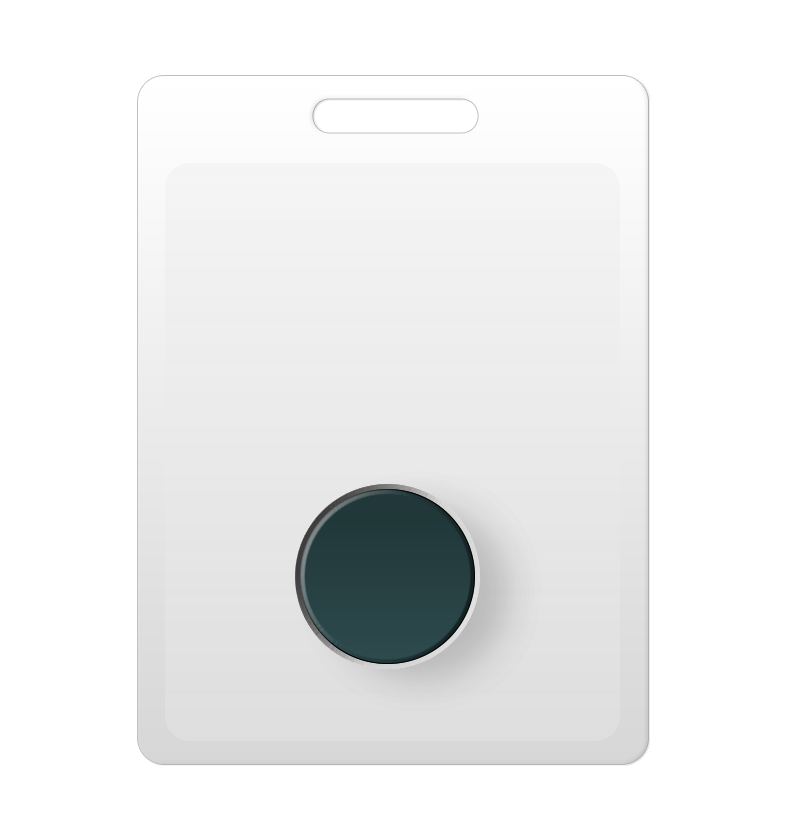
A Badge connects a caregiver to a specific Nobi light. This means the system recognises their presence and support. Each time they enter a room, the Badge automatically links their presence to the light. Nobi can then record when care was given, for how long, and for which escalations.
The Badge also makes signing in to the Nobi Mobile App quick and easy, without the need for extra two-factor authentication.
With a Badge, caregivers can ask for extra help with a Badge-triggered assistance call. They simply press the button on their Badge. This works during a fall escalation, while supporting a resident, or for tasks that are not about a resident. Nobi sends the assistance call to nearby available staff quietly and right away, without disrupting care. If the caregiver is assigned to an escalation when they press their Badge, the assistance call gets the Critical priority. If not, it gets the Low priority. Caregivers without a Badge can request assistance in the Nobi Mobile App instead.
When a Badge has an active assistance call, scanning it with the Nobi Mobile App claims the assistance call (On my way) and opens the close screen. Learn how to close an assistance call by scanning a Badge.
When a Badge has no open assistance call, scanning it with the Nobi Mobile App shows who the Badge belongs to, whether sign in with Badge is active, and the Badge’s unique ID. It also shows a note that no open assistance calls are linked to this Badge. Managers can also unassign the Badge from this screen.
Whether a caregiver is helping after a fall or simply checking in on a resident, these moments are now visible. This gives context, improves teamwork, and helps with future care decisions.
Why
When a caregiver is assigned a Badge, each visit to a resident becomes clear. You can see how long support was given, how many escalations were completed, and where care was given. This helps recognise individual efforts, show workload patterns, and improve how shifts are planned. Teams get insight into how care is spread without relying on manual reporting.
The same Badge also helps teams work together in real time. Badges are always detected by the nearest Nobi light, and caregivers use them to sign in. This is how Nobi knows who started an assistance call and who is already responding. Alerts only go to the right team members who are available. The result is better care, smoother teamwork, and a fairer spread of responsibilities.
A typical shift using Badge and the mobile app
For a member of care staff, a day with the Badge and the Nobi mobile app feels just like any other day. The difference is that Nobi does more in the background.
They start their shift by picking up their Badge and using it to sign in to the Nobi Mobile App with just a touch. The Badge automatically connects them to the lights in their area, ready to register their support wherever they go.
Throughout the day, as care is given, the Badge quietly records each visit. There are no extra steps and no extra pressure. The team gets better visibility and less admin, and has more time for what matters most: care.
Want to learn how to assign one using the web application? Read the step-by-step guide here.
Learn how to assign one using the Nobi Mobile app instead? Read the step-by-step guide here.
Found a Badge, but don’t know who it’s assigned to? Learn how to identify an unknown Badge here.